Organization
The Organization navigation item is the central administration component within OCMP. This is where all organizational structures, users, locations, as well as content and resources are managed.
Organizations
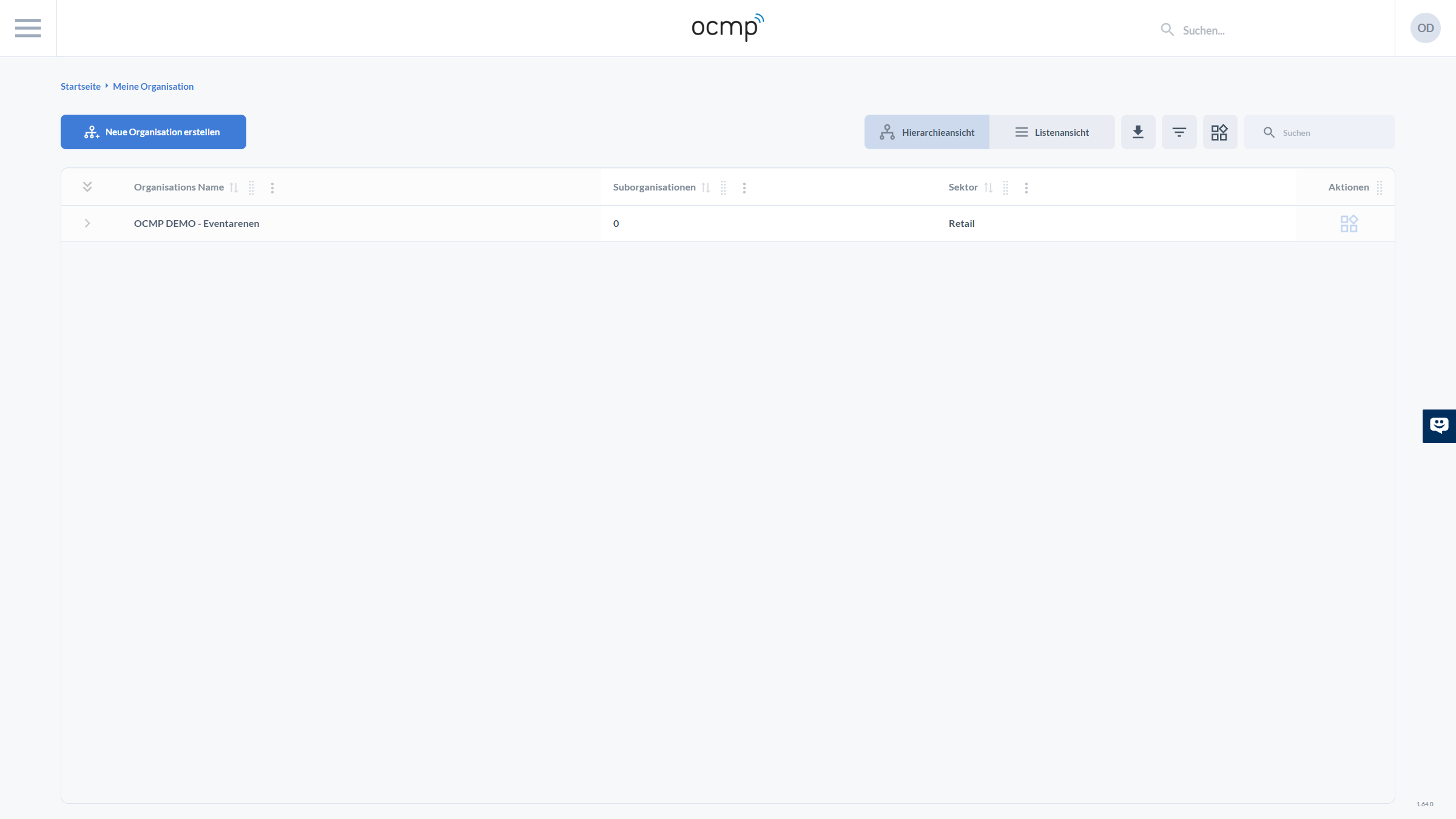
Overview of All Organizations
This view shows all available organizations.
Contents
- list of all organizations
- display of:
- name
- number of sub-organizations
- sector
- switching between hierarchy and list view
- creation of new organizations
Entry point for multi-organization setups.
Organization Overview
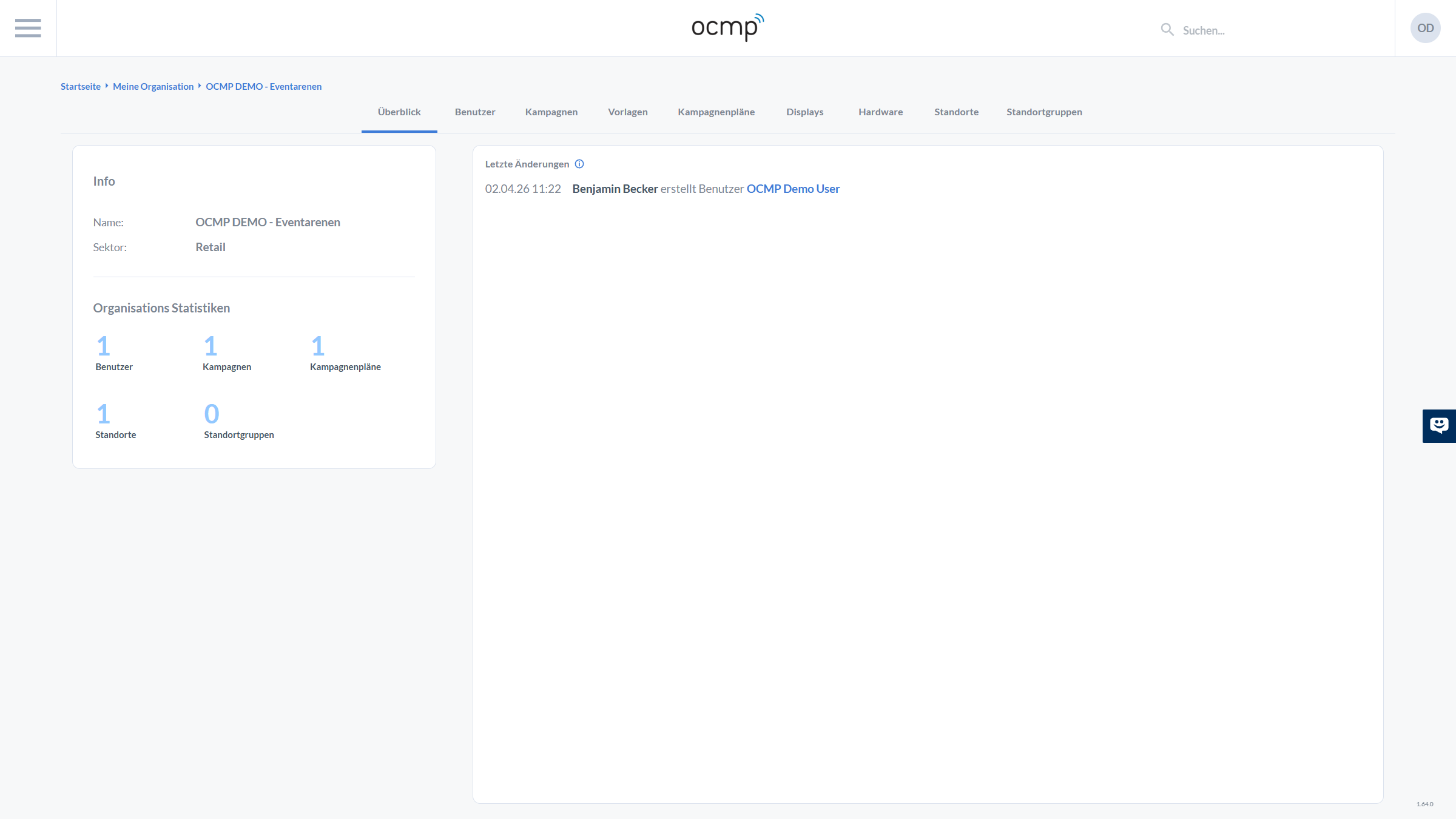
The organization overview provides a compact summary of the selected organization.
Contents
- name and basic information about the organization
- assigned sector such as retail
- statistics for:
- number of users
- number of campaigns
- number of campaign plans
- number of locations
- number of location groups
- display of the latest changes within the organization
This page serves as the starting point for managing an organization.
Users
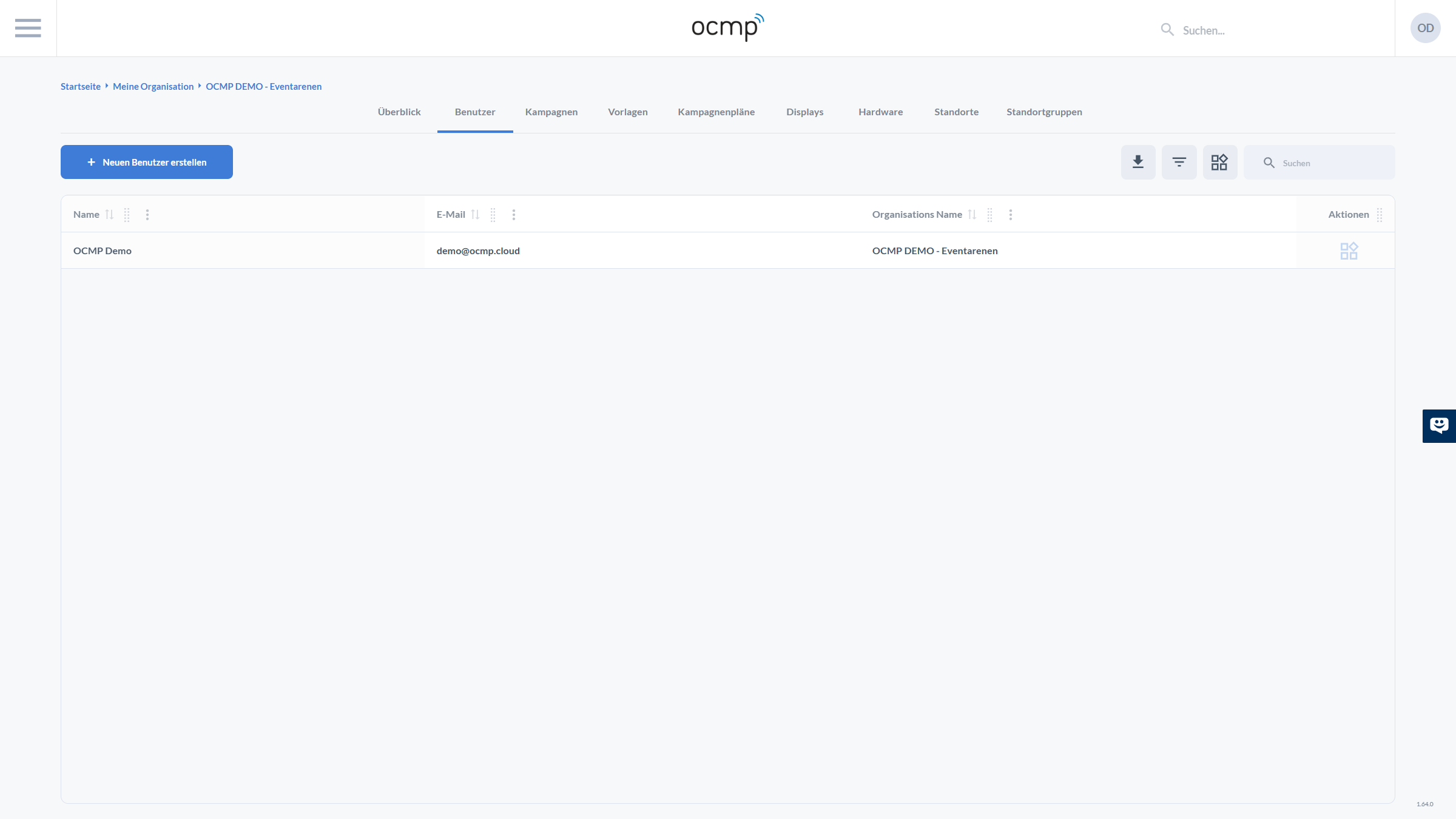
In the Users section, all users of the organization are managed.
Functions
- display of all users including:
- name
- email address
- assigned organization
- creation of new users
- management of existing users
- assignment of roles and permissions
This is where you control who has access to which areas of OCMP.
Campaigns
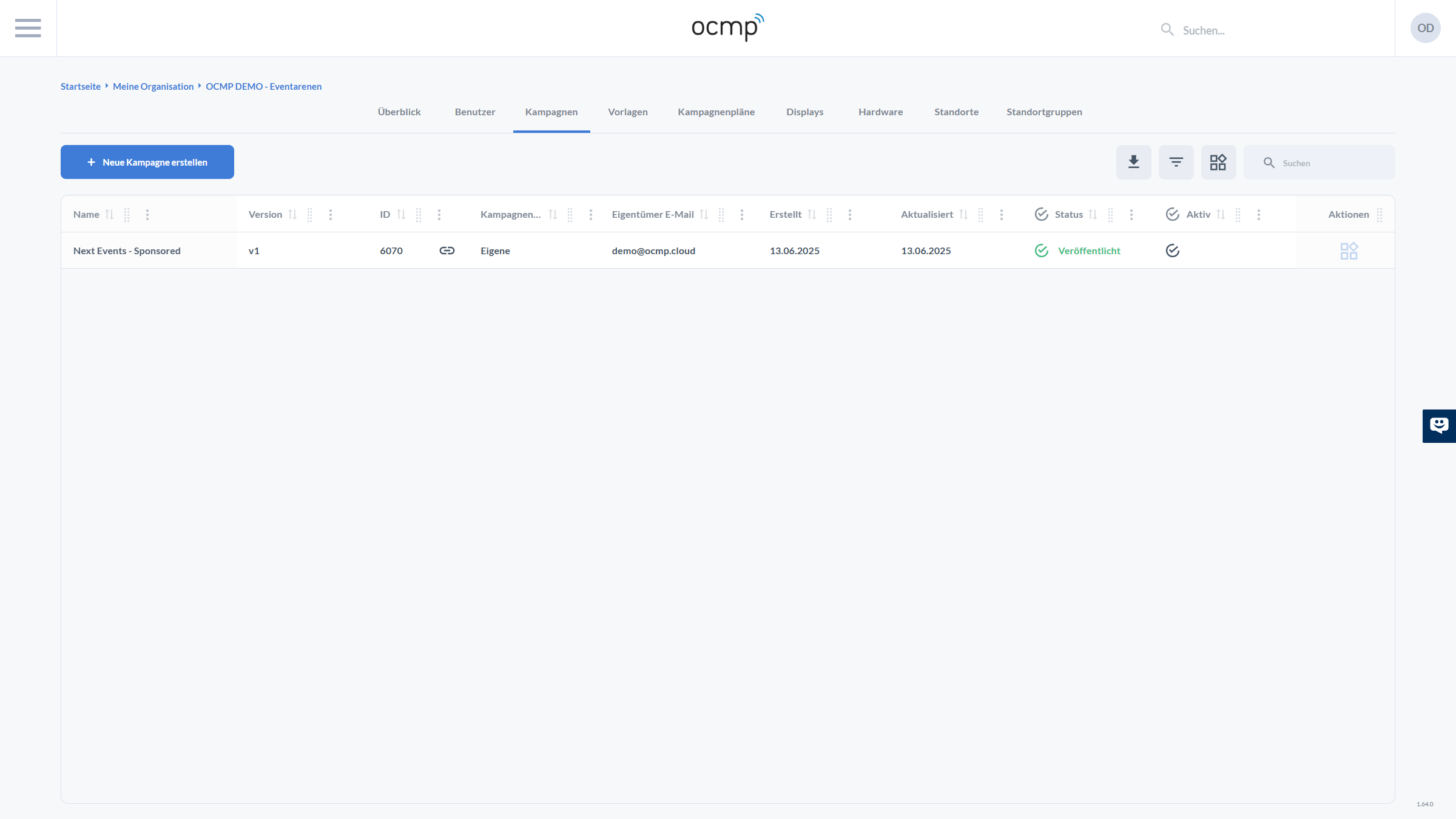
This area shows all campaigns of the organization.
Contents
- overview of all campaigns with:
- name
- version
- status such as published
- active status
- creation and modification date
- creation of new campaigns
- editing and managing existing campaigns
Central control for all active and planned content.
Templates
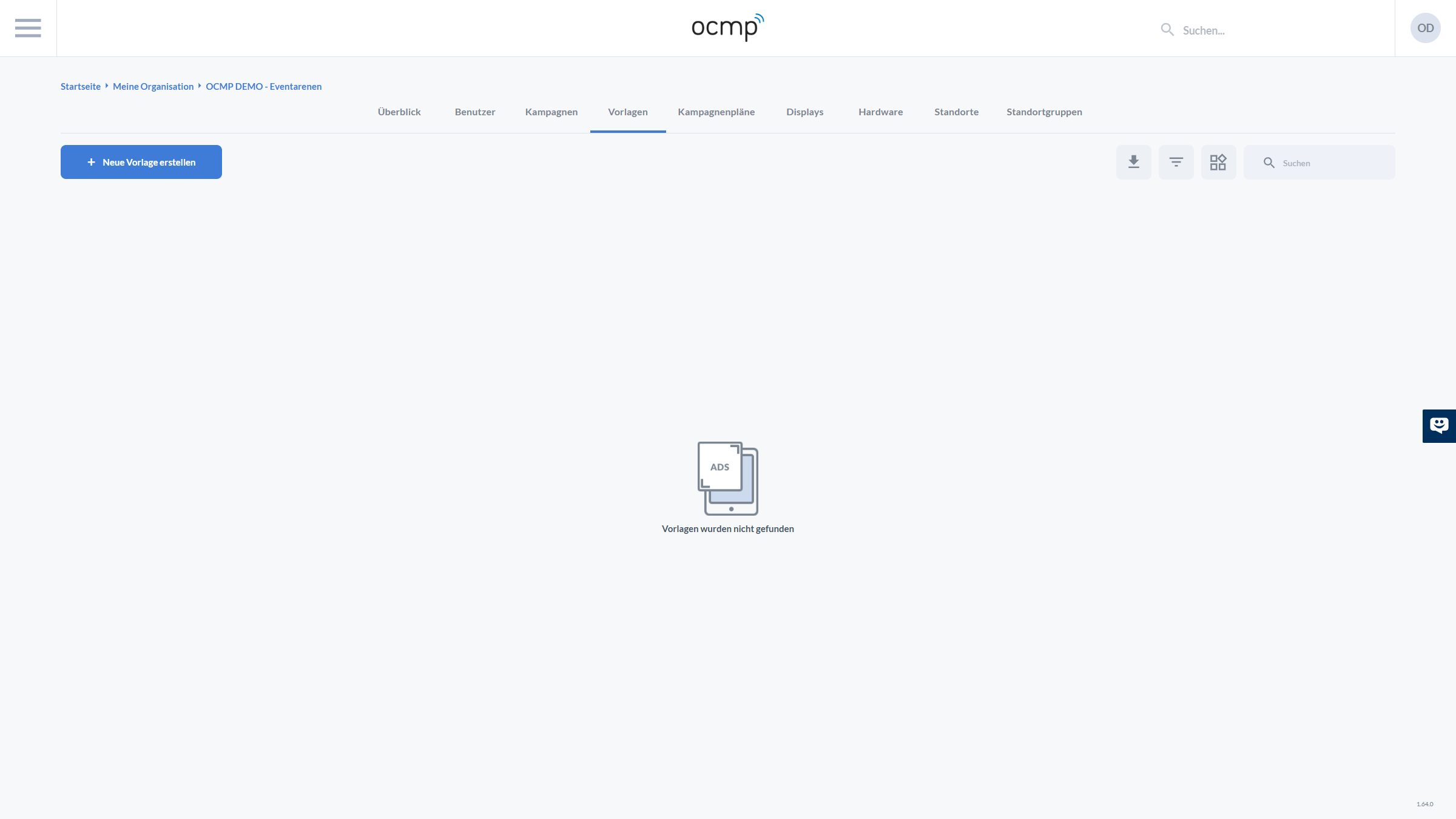
In the Templates area, reusable campaign templates are managed.
Functions
- creation of new templates
- management of existing templates
- use of templates for the quick creation of new campaigns
This saves time and ensures consistent campaign structures.
Campaign Plans
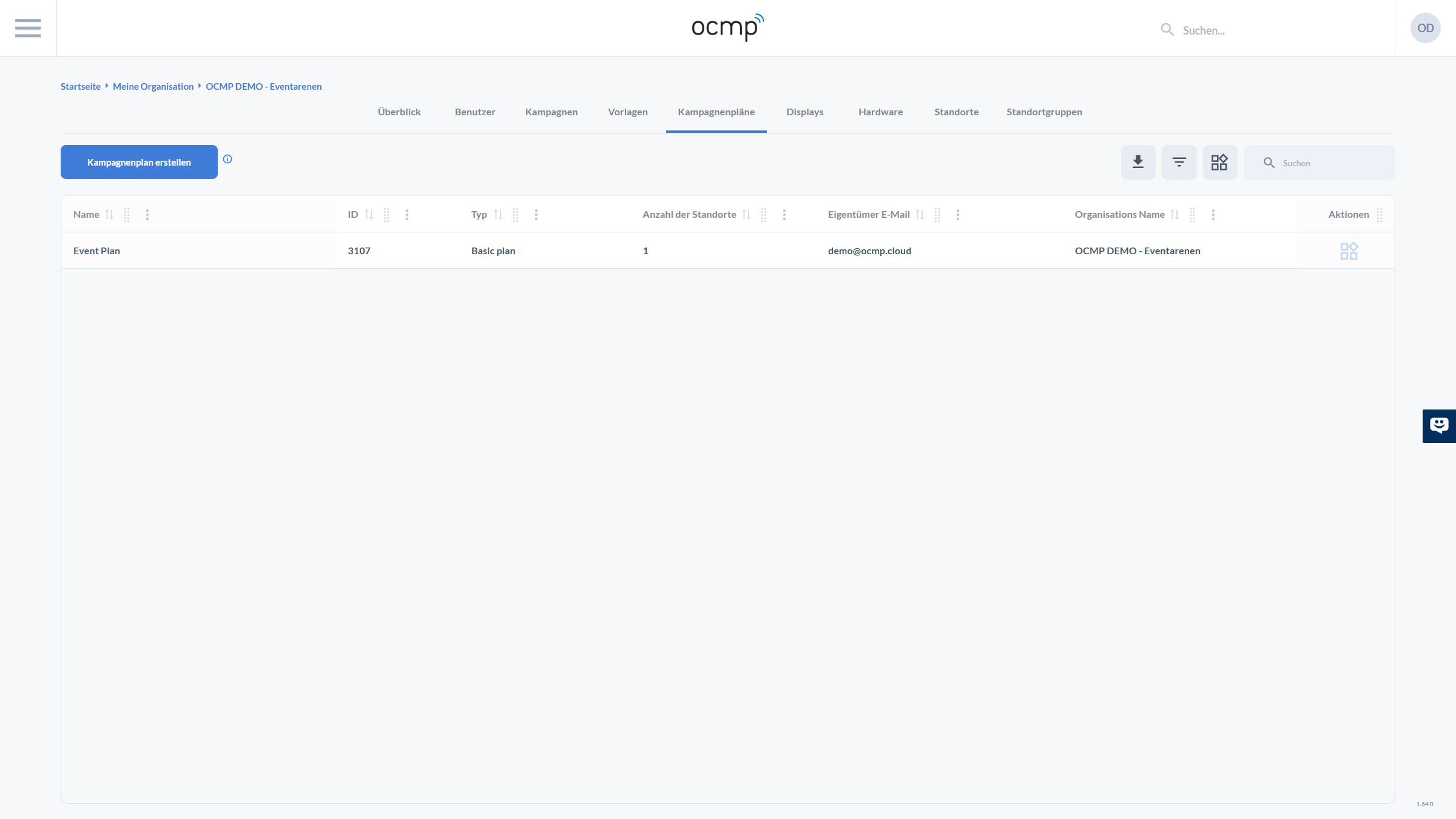
Campaign plans define the structured delivery of campaigns.
Contents
- overview of all campaign plans
- display of:
- name
- ID
- type such as Basic Plan
- number of assigned locations
- owner
- creation of new campaign plans
Enables the logical and time-based planning of campaigns.
Displays
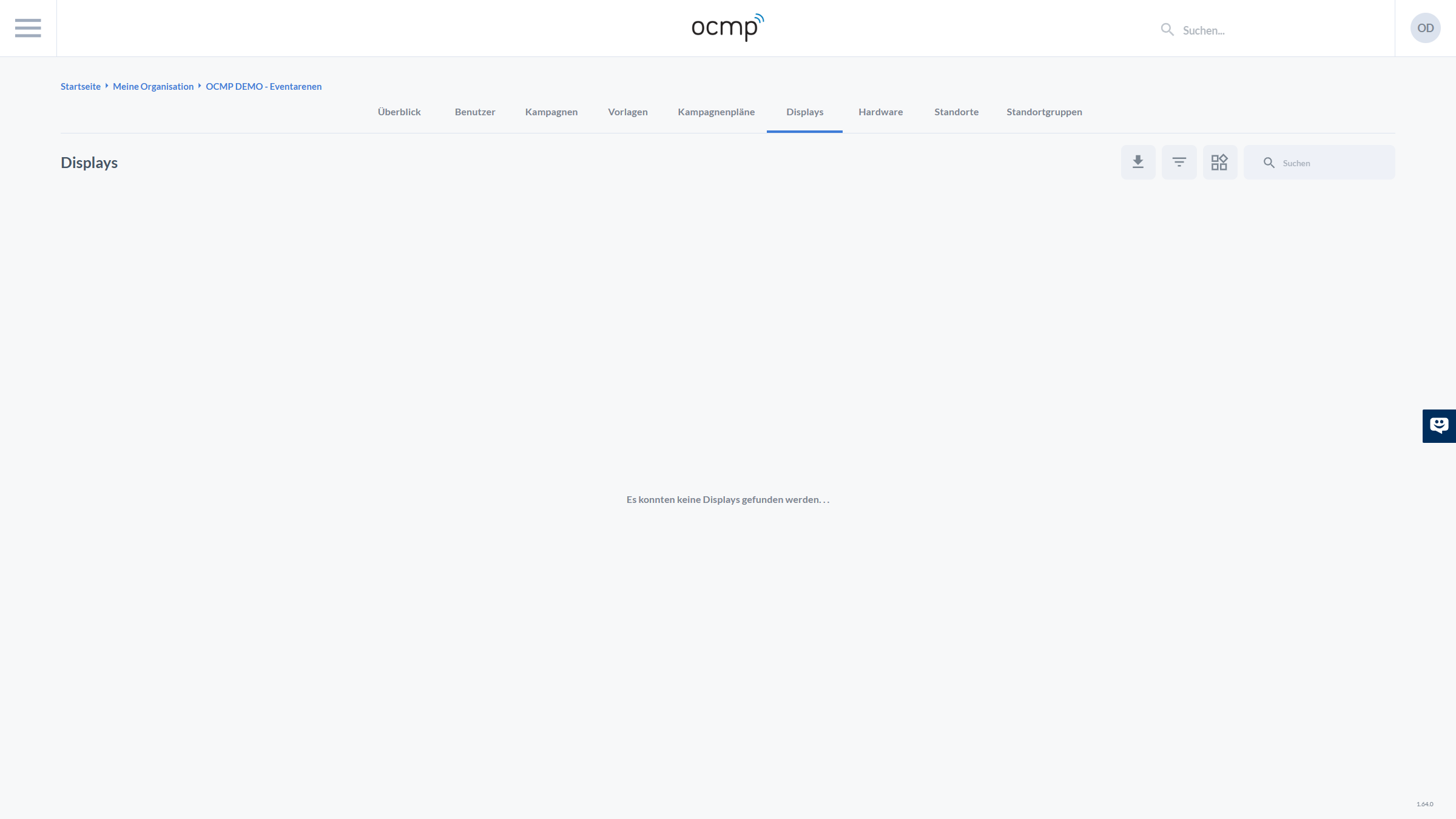
All displays within the organization are managed here.
Functions
- overview of all displays
- management of screen devices
- assignment of campaigns to displays
Basis for delivering content in the Smart Screen area.
Hardware
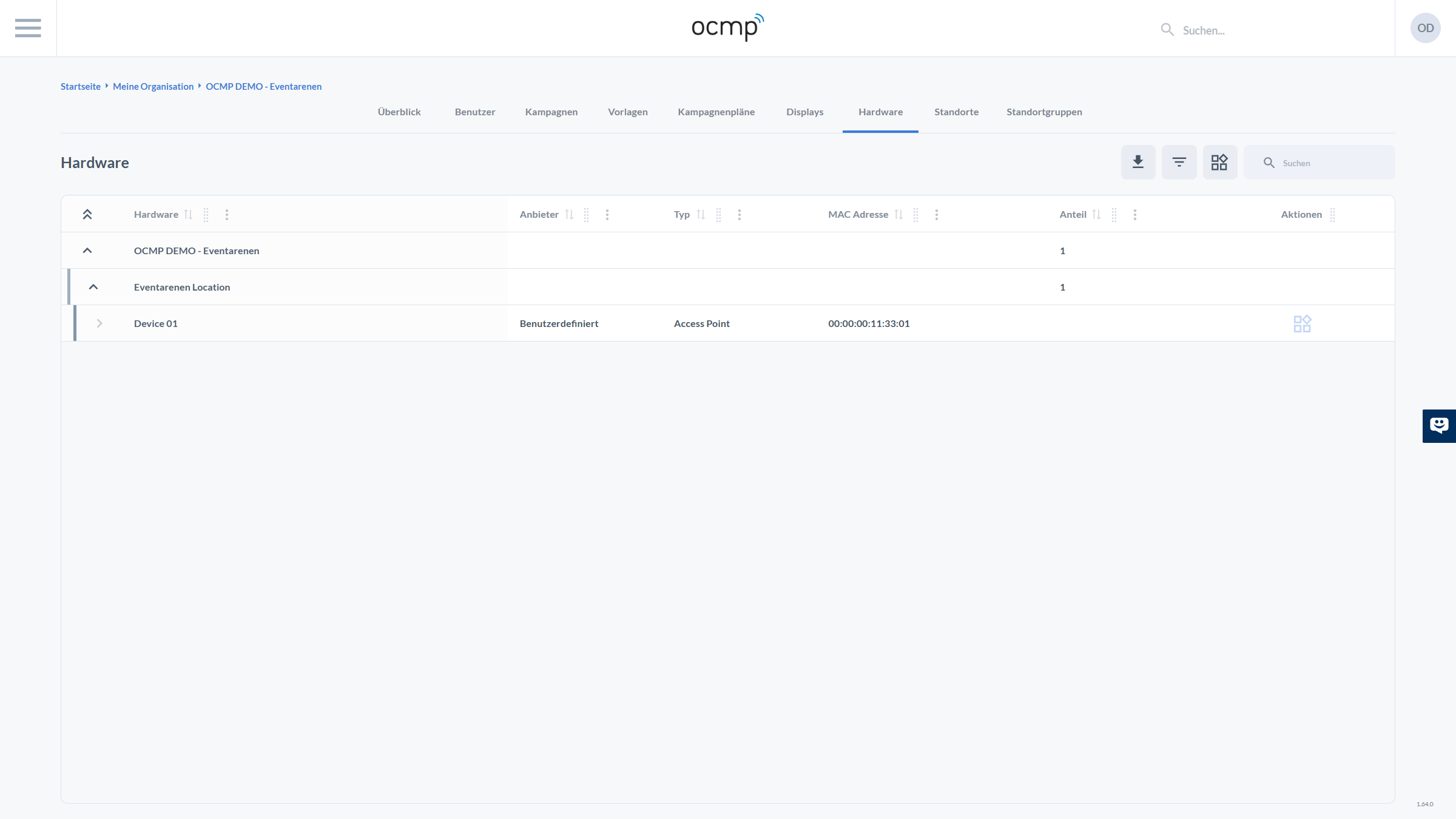
The Hardware area shows all registered devices.
Contents
- hierarchical display of:
- organization
- location
- device
- device information:
- type such as access point
- MAC address
- vendor
- management and assignment of devices
Important for monitoring, operations, and infrastructure management.
Locations
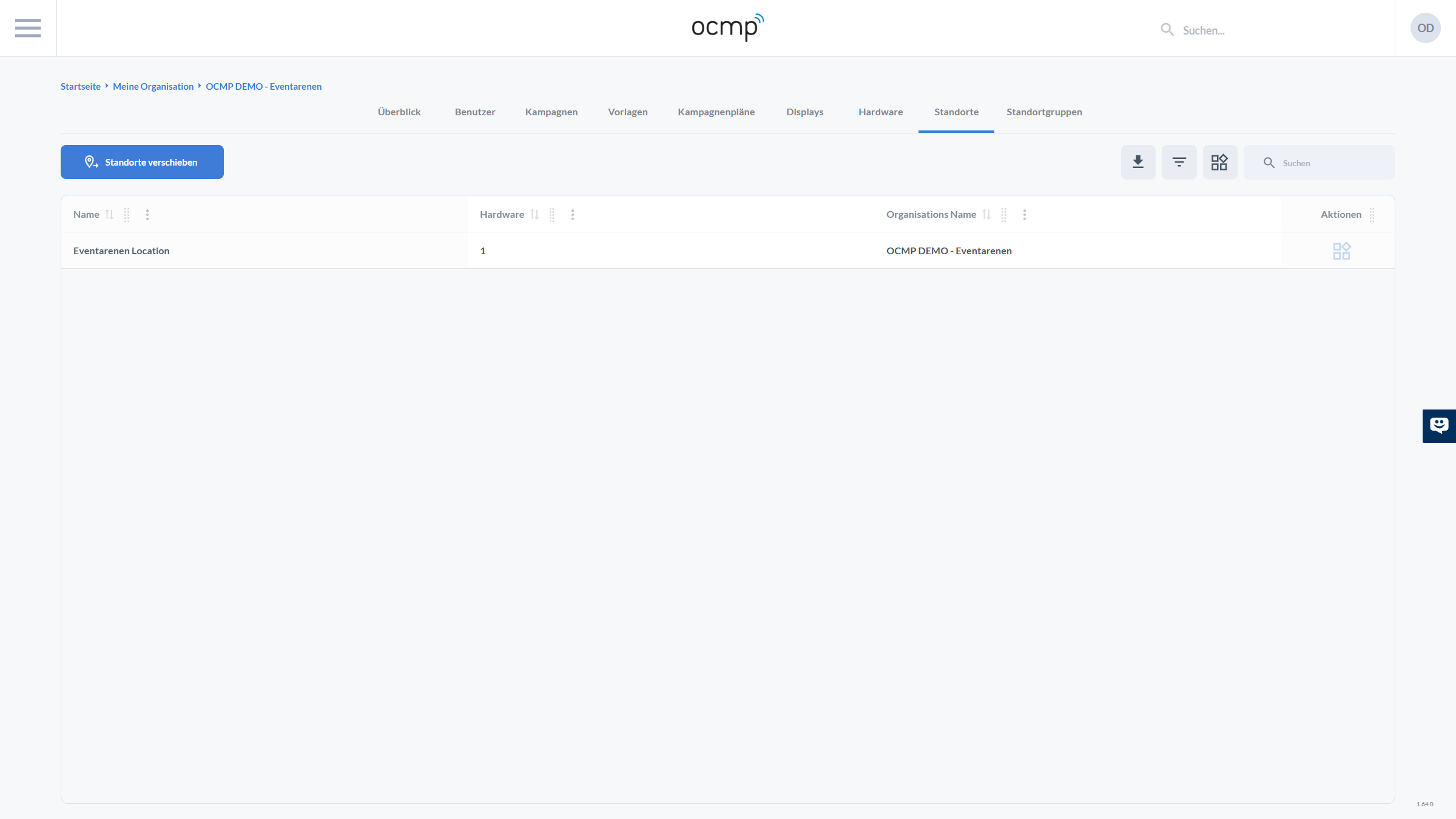
All locations of the organization are managed here.
Functions
- overview of all locations
- display of:
- name
- number of assigned hardware devices
- assigned organization
- moving and structuring locations
Central unit for campaign delivery and analytics.
Location Groups
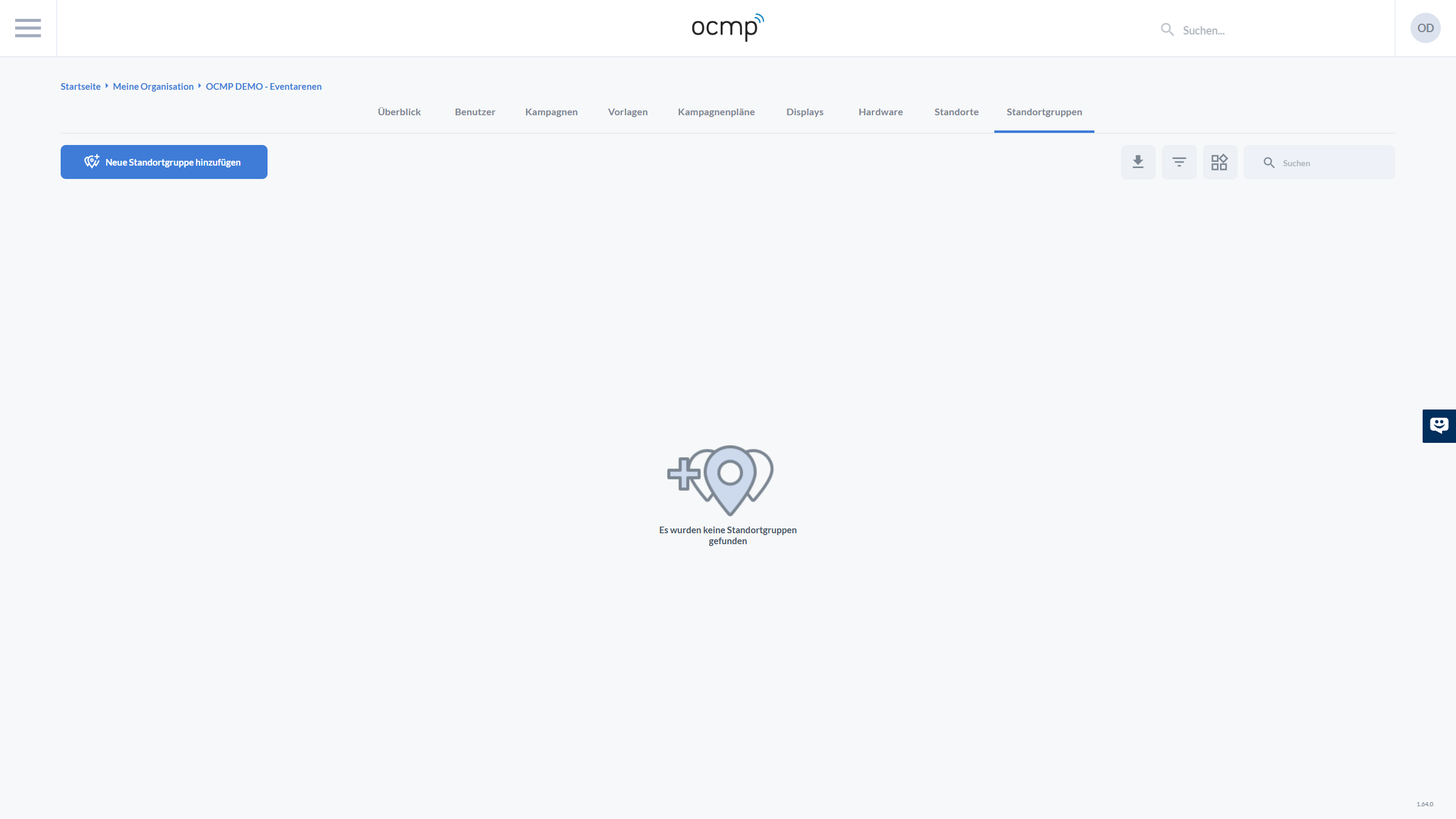
Location groups allow multiple locations to be bundled together.
Functions
- creation of new location groups
- management of existing groups
- grouping of locations for:
- campaign control
- evaluations
- simplified administration
Especially useful in larger installations with many locations.