Templates
Templates are the standardization mechanism for Smart WiFi. Structurally, the Templates page is identical to the campaign list: at the top, you see + Create New Template as the primary action, on the right the familiar toolbar with view, export, filter, and search, and below that a table with columns such as Name, ID, Campaign Type, Owner Email, Created, Updated, Status, and Actions.
Campaigns that are converted into templates are no longer available as campaigns.
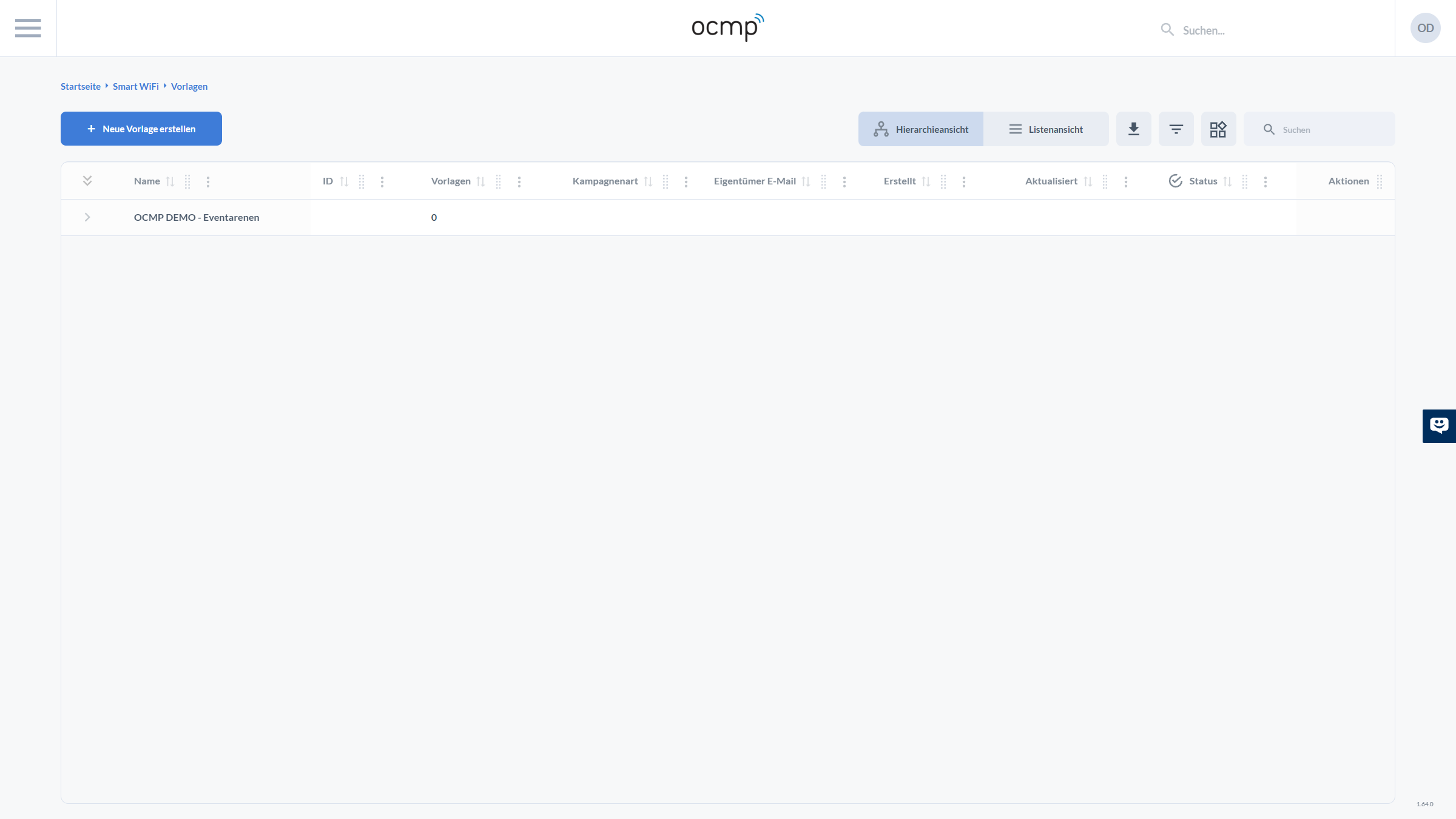
The connection to the campaign is important: in the basic campaign view, there is a Convert to Template link. This is the fastest way to turn a proven campaign into a template. In teams, this reduces the error rate significantly because new campaigns no longer start freely, but build on a tested foundation.